Chemists think in sketches. LLMs think in text. HexSketch lets chemists talk to LLMs with structures.
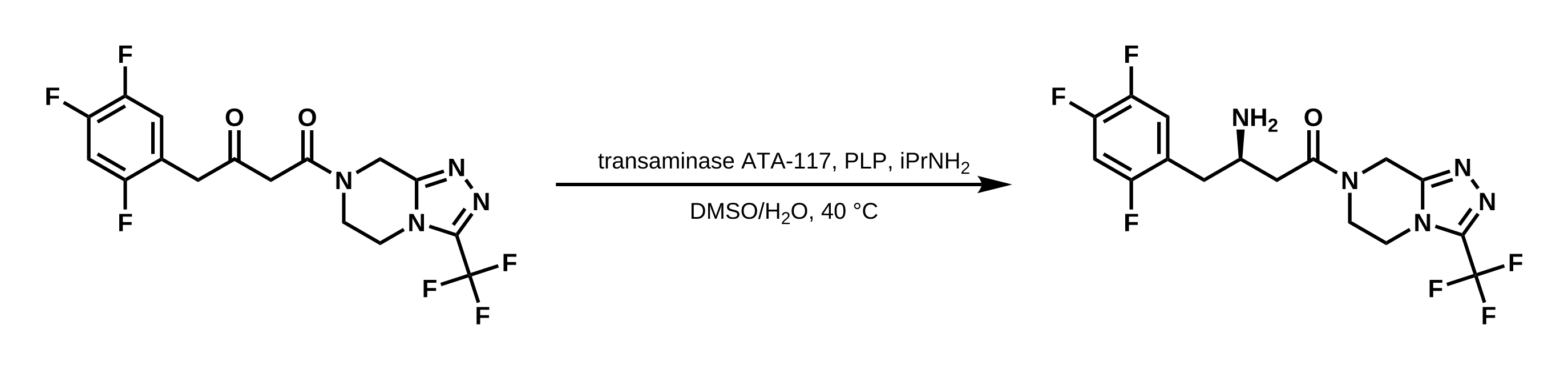
HexSketch puts a structure editor inside your chat with Claude. You draw, Claude sees the drawing. Claude answers by drawing back: structures, reaction schemes with reagents and conditions, highlights and notes.
Add it to Claude
Takes a minute. Nothing to install, no account.
- In Claude, open Settings › Connectors › Add custom connector.
- Name:
HexSketch· URL:https://mcp.hexsketch.com/mcp· click Add. - Start a new chat and type: Open HexSketch with ibuprofen.
Works on claude.ai and in the Claude desktop app. On a Team or Enterprise plan, an owner adds the connector first.
Claude Code: claude mcp add --transport http hexsketch https://mcp.hexsketch.com/mcp
Keep everything on your computer: download hexsketch.mcpb, double-click it and click Install in Claude Desktop. It works offline. Use either this or the connector, not both.
Things to ask
- Draw the synthesis of paracetamol from 4-aminophenol.
- What is this? (after drawing something)
- Highlight the stereocentres in this structure.
- Suggest a protecting group for the amine and show the scheme.
Any other assistant
- Draw in HexSketch, then Edit › Copy for AI and paste into the chat: it gives the name, SMILES, formula and masses, and a link back to your drawing.
- Ask the assistant for a link like
https://hexsketch.com/#smiles=CCOto open its structure here, ready to edit.
More
- Privacy: the connector keeps only the editors open in your chats, for a day; nothing you draw is logged.
- HexSketch on GitHub: source, the command line and library, and issues.
- llms.txt: HexSketch described for AI assistants.